Smart Lock Installation: Get It Done Right
By Admin ·
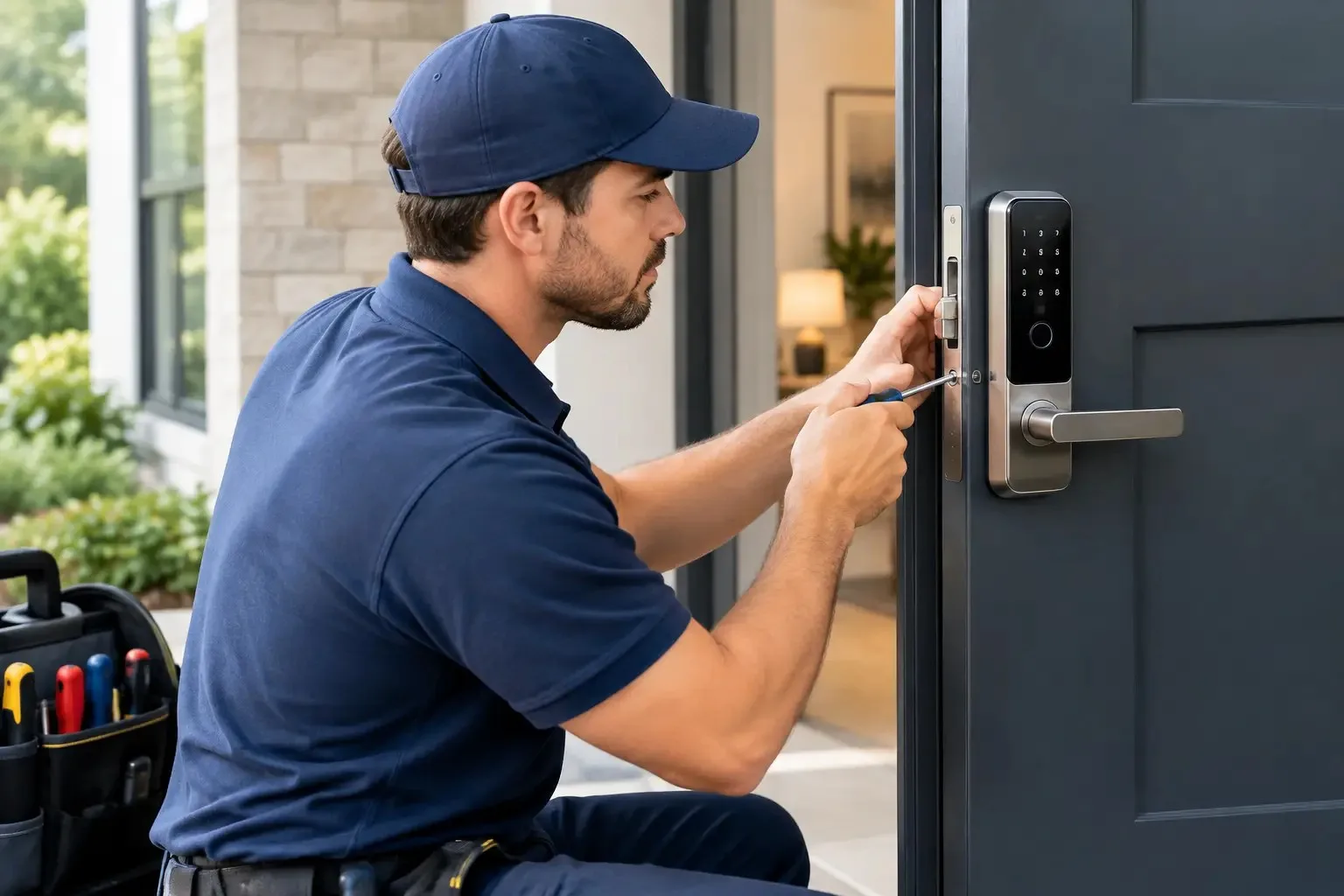
A smart lock should make getting home easier, not leave you standing on the porch with a dead battery, a jammed bolt, or an app that will not connect. Proper smart lock installation starts with the door itself. In Minneapolis, St. Paul, and across the Twin Cities, cold weather, older homes, settling frames, and busy rental properties can all affect how well a new electronic lock performs.
The right lock can give you keypad access, temporary codes for guests, activity alerts, and a simple way to manage entry without passing around spare keys. But the lock still has to do the basic job well: latch securely, align cleanly, and allow reliable entry from both sides of the door. That is where professional installation makes a difference.
Start With the Door, Not the App
It is easy to choose a smart lock based on features alone. Wi-Fi control, fingerprint readers, auto-lock settings, and voice assistant compatibility may all sound useful. Before buying one, though, check whether your existing door and deadbolt can support it.
Most residential smart locks are designed for standard single-cylinder deadbolts. The door usually needs a correctly sized cross-bore hole, an appropriate backset, and enough clearance between the deadbolt and the handle below it. A thick decorative door, an unusually narrow stile, or a mortise lock setup may require a different product or extra door work.
Door alignment matters just as much. If you currently have to push, pull, lift, or shoulder the door to turn your key, a smart lock motor will face the same resistance. That strain can drain batteries quickly, create error messages, and eventually damage the lock. The answer is not to force the new lock into place. It is to correct the strike alignment or door fit first.
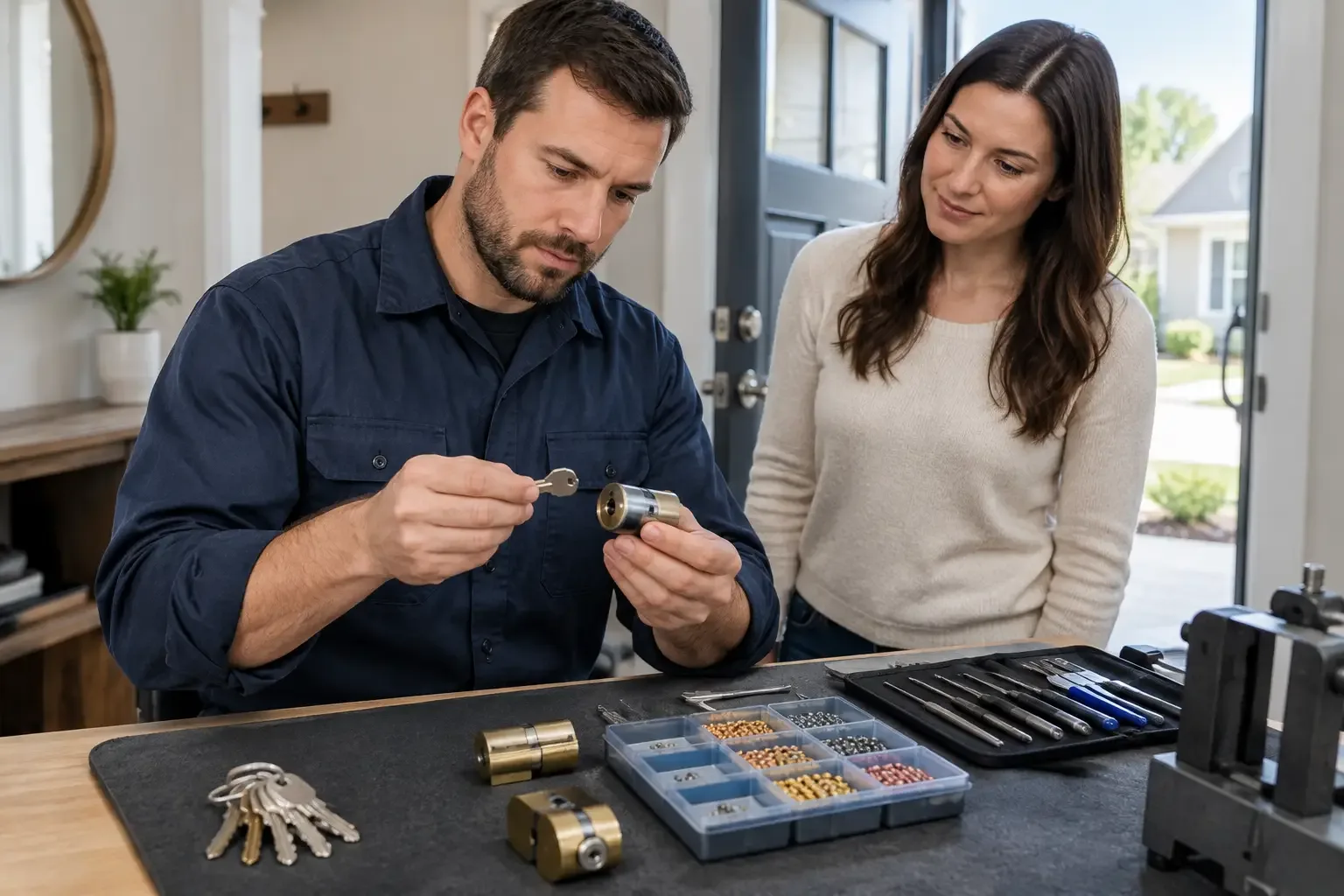
A locksmith can assess the existing hardware, confirm compatibility, and explain whether you can keep the current handle and deadbolt holes. That helps avoid buying a lock that looks right online but does not fit your actual door.
What Smart Lock Installation Includes
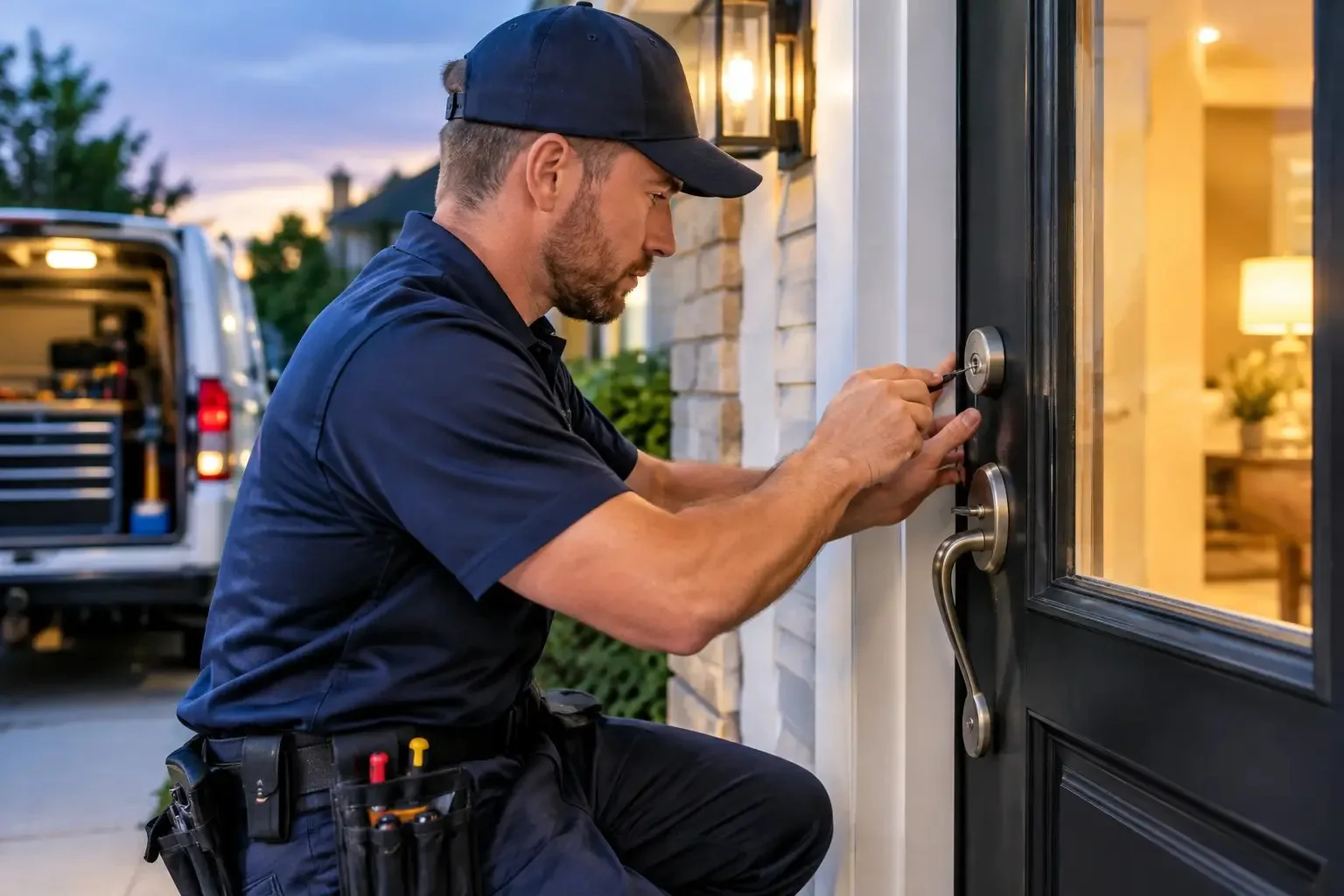
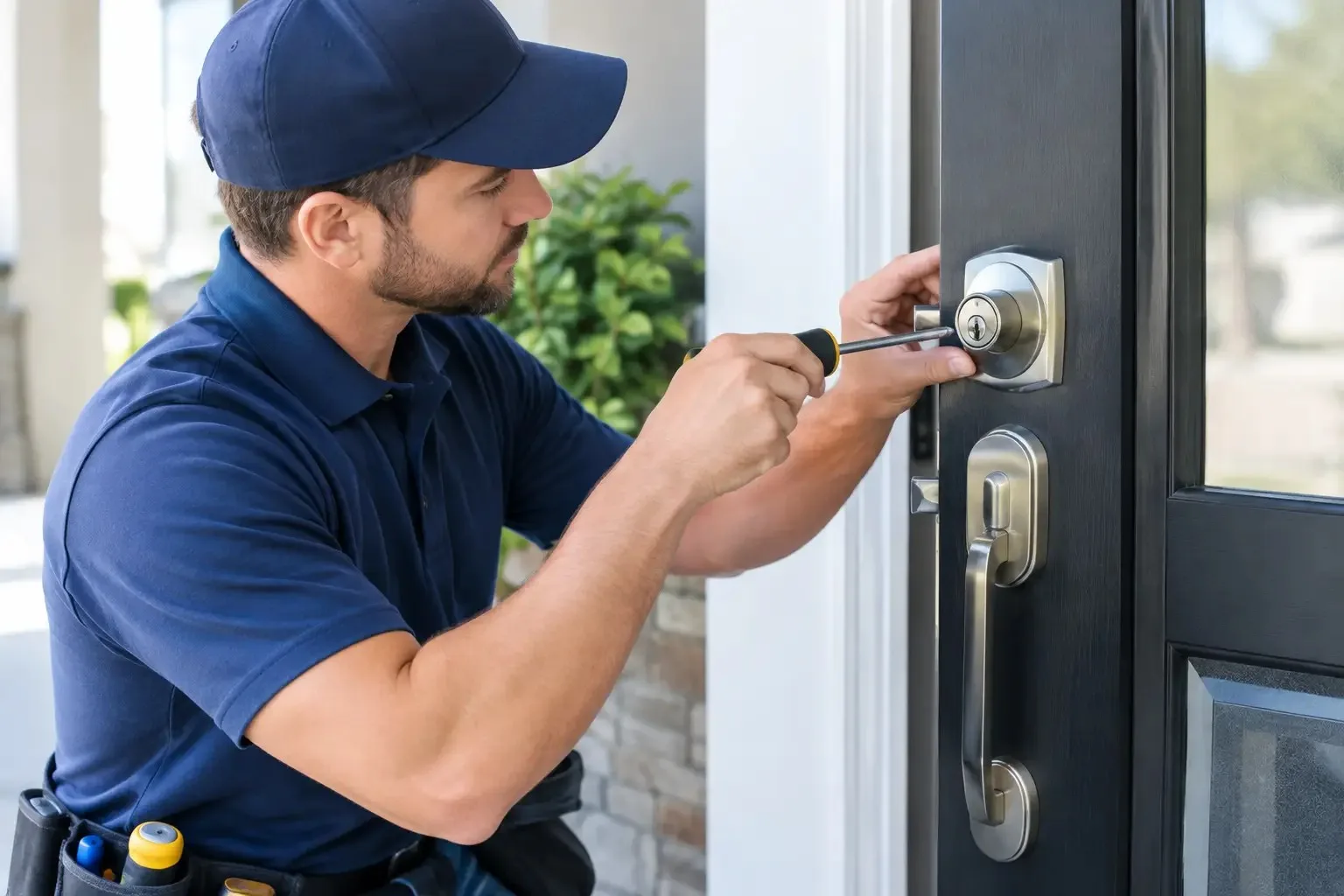
A proper installation is more than removing an old deadbolt and tightening a few screws. The technician starts by checking the door, jamb, strike plate, and bolt travel. The old lock is removed carefully, and the new deadbolt is fitted so the bolt moves freely without rubbing the strike.
The interior assembly must also sit level and secure. If the mounting plate is crooked or wiring is pinched, the keypad, thumbturn, or motor may not work as designed. Once the hardware is installed, the lock is tested repeatedly with the door open and closed.
Setup comes next. Depending on the model, this may include pairing the lock to its app, connecting it to a home Wi-Fi network or bridge, setting administrator access, creating user codes, and confirming any mechanical key override works. The technician should also show you how to change batteries and what the lock’s low-battery warnings mean.
For customers who prefer a simple setup, a keypad lock with local codes may be enough. For a homeowner who wants remote control and notifications, Wi-Fi or hub-based options may make sense. The best choice depends on how you use the property, not on which box has the longest feature list.
Choose Features You Will Actually Use
Smart locks are not all built for the same situation. A family home, a downtown condo, a rental unit, and a small business all have different access needs.
For a primary residence, a keypad is often the practical starting point. It lets family members enter without a physical key and allows you to create a temporary code for a dog walker, cleaner, or visiting relative. Look for a model with a physical key backup or an external emergency power option, especially if your household relies heavily on the lock.
For a rental property, code management is usually more valuable than remote automation. A landlord can change access between tenants rather than collecting every copied key. Renters should check their lease before changing exterior hardware. Many property managers require approval, and some will want the original lock reinstalled when the lease ends.
For a business, the conversation should go beyond a residential keypad. Employee turnover, multiple entrances, restricted areas, and after-hours access may call for commercial-grade access control or a master-key plan. A consumer smart lock can be useful on a low-risk office door, but it is not always the right security level for a storefront, clinic, warehouse, or shared facility.
Common Problems That Cause Smart Locks to Fail
Most smart lock issues are preventable. They tend to come from installation shortcuts, poor door alignment, or skipped setup steps rather than a defective lock.
Watch for these common trouble spots:
A bolt that binds against the strike plate instead of entering it smoothly.
Screws that are over-tightened, which can twist the lock body or pinch internal wiring.
Weak Wi-Fi at the entry door, causing unreliable remote commands or alerts.
Old, mixed, or low-quality batteries that fail early in Minnesota winter temperatures.
Too many people sharing the administrator code instead of using separate user codes.
Cold weather deserves special attention in the Twin Cities. Batteries lose power faster in low temperatures, and an exterior door that shifts with seasonal expansion can affect bolt alignment. Use the battery type recommended by the manufacturer, replace all batteries at the same time, and keep a mechanical backup key accessible if the lock provides one. Do not leave that backup key inside the house where it cannot help you.
When a Professional Installer Is the Safer Call
Some straightforward replacements can be handled by a confident homeowner. If the new lock matches the old deadbolt’s dimensions, the door is aligned, and you are comfortable with basic tools and app setup, a DIY job may be reasonable.
A professional is the better choice when the lock does not fit the existing holes, the deadbolt sticks, the door needs adjustment, or the property uses nonstandard hardware. It is also wise to call when security is a concern after moving, following a breakup, after a lost key, or when a tenant or employee has left without returning access credentials.
A mobile locksmith can handle the physical lock work on-site and help make sure the digital side is set up correctly. At 24/7 Key Clinic, licensed, bonded, and insured technicians can assess the door, install compatible hardware, and test the lock before they leave. Pricing can be quoted by phone before dispatch, so you know what to expect before work begins.
Smart Locks Still Need a Security Plan
A smart lock adds convenience, but it does not replace basic door security. A strong deadbolt needs a solid strike plate, long screws anchored into the framing, and a door and frame in good condition. If the jamb is split, the strike is loose, or the exterior door is hollow and damaged, a new keypad will not fix the larger problem.
Use unique administrator credentials and avoid giving the main app login to every person who needs access. Create individual codes where possible, remove them when circumstances change, and review your access list after a move, staff change, or contractor project. If the lock offers auto-lock, test it carefully before depending on it. Some households like the added protection; others find it inconvenient when carrying groceries, managing kids, or taking out trash.
The goal is not the most complicated lock on the market. It is a lock that fits the door, works reliably in local conditions, and gives you control over who can enter. When the hardware is installed and tested correctly, coming home should remain the easiest part of your day.