Access Control Installation for Safer Entry
By Keyclinic ·
A lost key should not force a business to change every lock. A former employee should not be able to enter after their last shift. And a busy office should not have to guess who had access to a supply room, server closet, or rear door. Access control installation gives property owners a practical way to manage entry without handing out more metal keys.
For a Minneapolis business, the right system is not necessarily the most complicated one. It is the one that fits the door, the daily traffic, the people using it, and the level of security the space actually needs. A small office with one employee entrance has different needs than a multi-tenant property, medical practice, warehouse, or retail location.
What access control installation should solve
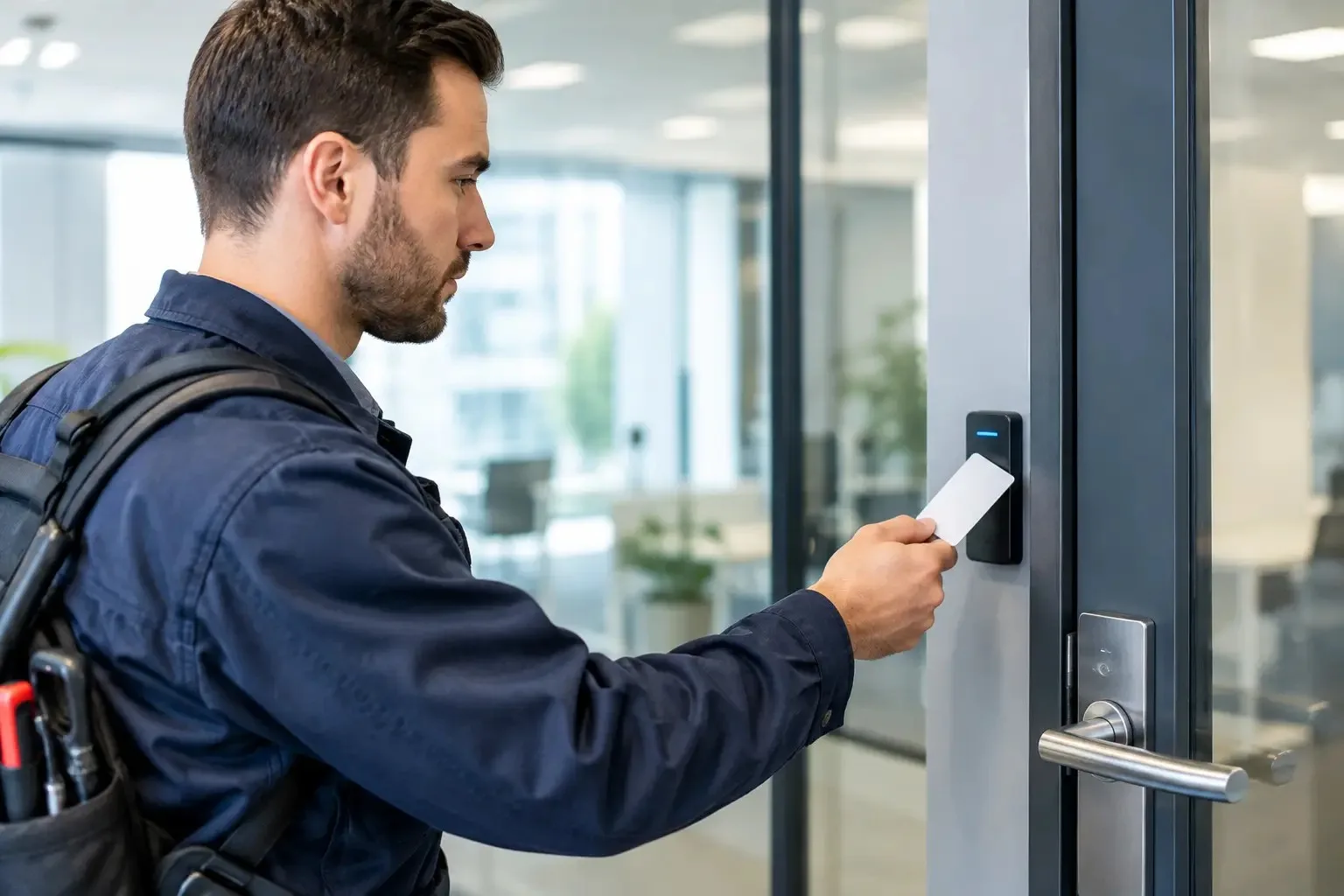
Access control replaces or supplements a traditional key with a managed method of entry. That may be a keypad code, key card, fob, mobile credential, biometric reader, or a combination of those options. An authorized user presents the credential, the system checks permission, and the door releases.
The biggest advantage is control after the credential leaves your hand. If a physical key disappears, you may need to rekey or replace locks to be confident it cannot be used. If a fob or code is lost, an administrator can often remove that credential from the system and issue a new one. That is faster, less disruptive, and easier to document.
A properly planned system can also establish schedules. Cleaning staff may have access after business hours, while employees can use designated doors only during their shifts. Managers can retain access to sensitive rooms, and temporary contractors can receive access that expires when the job ends. The details depend on the system selected, but the goal stays simple: the right people can get in, and everyone else stays out.
Start with the doors, not the reader
A sleek card reader does not solve a poorly secured door. Before choosing credentials or software, look at the door and hardware already in place. The frame, hinges, closer, latch, exit hardware, power availability, and fire rating all affect what can be installed safely and reliably.
For example, an exterior aluminum storefront door may require different hardware than a solid-core office door. A warehouse overhead door is not normally handled the same way as a personnel entrance. A door on an emergency exit route must allow people to leave quickly and safely, even if entry is restricted. Fire and life-safety requirements are not optional details to sort out later.
A professional site assessment should identify the purpose of each opening. Ask whether the door needs controlled entry only, monitored status, automatic locking, remote release, audit records, or all of the above. A back door that employees frequently prop open may need a door-position contact and an alarm notification, not simply a stronger lock.
It also helps to map the most common real-life situations: deliveries arriving early, employees working late, staff turnover, vendors needing temporary entry, or a manager needing to let someone in remotely. Those situations reveal whether a basic standalone keypad is enough or whether a centrally managed system is worth the added investment.
Choose credentials your team will actually use
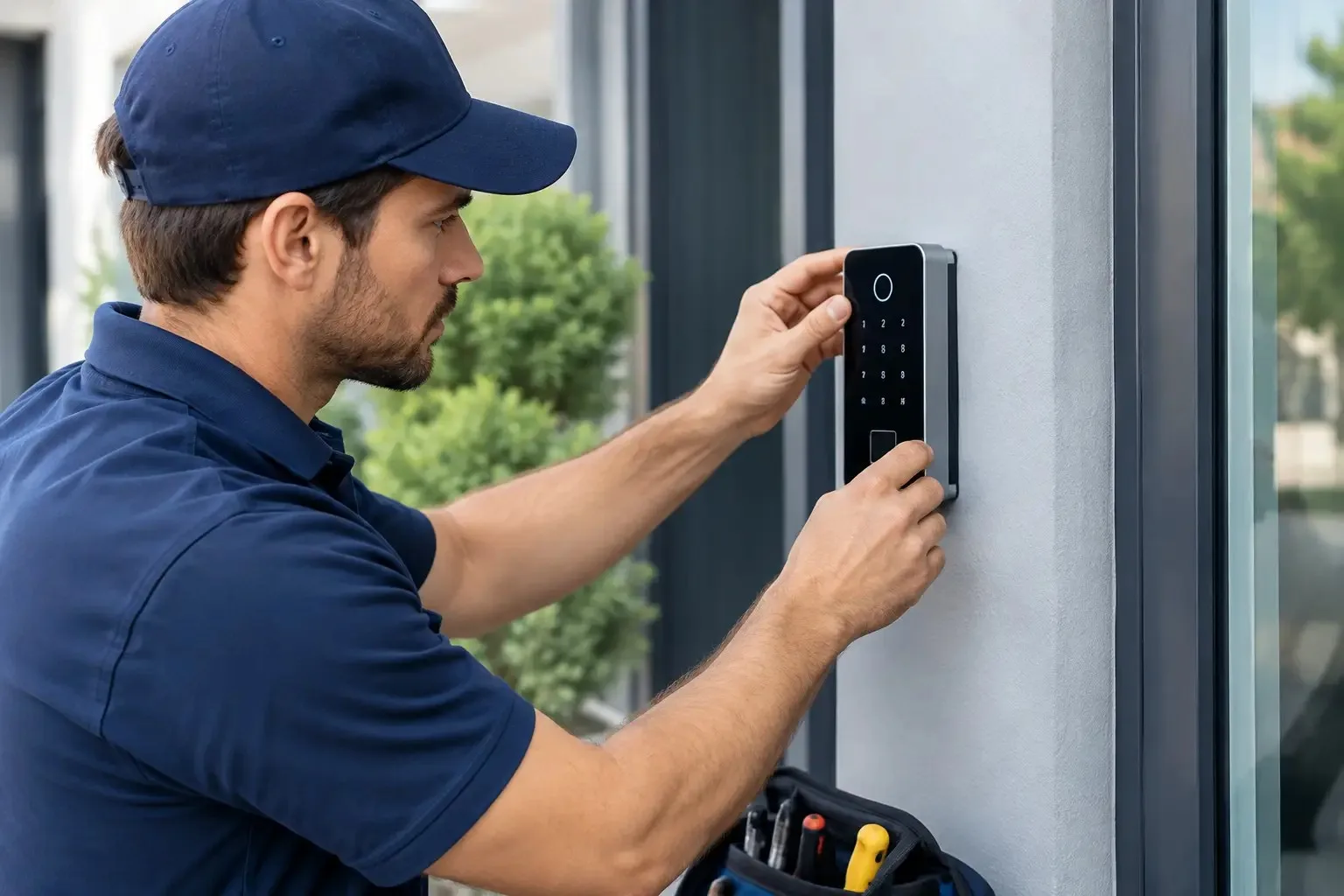
Keypads are straightforward and affordable for a single door or a small team. They work well when users can remember a code and the risk of code sharing is low. The trade-off is accountability. If several people use the same code, it is difficult to know exactly who entered. Codes also need to be changed when employees leave or when too many people know them.
Key fobs and access cards are familiar for offices, apartment buildings, and commercial spaces with several users. Each person can receive an individual credential, and lost fobs can be disabled without changing the whole system. They are convenient, but they can still be borrowed or misplaced.
Mobile credentials can reduce the need to distribute physical fobs. Employees use a secured app or digital pass on their phone. This can be a good fit for businesses with frequent staffing changes, multiple sites, or managers who need to issue access without meeting someone at the door. It does depend on compatible hardware, user comfort with the technology, and a clear plan for dead phone batteries or staff members without smartphones.
Biometric access can offer a higher level of identity verification, but it is not automatically the best choice. Cost, privacy considerations, user acceptance, and the environment all matter. A dusty shop floor, gloves, cold weather, or high-volume traffic can influence which reader type makes sense.
The access control installation process
A reliable installation begins with a walkthrough, not a guess over the phone. The technician needs to see the doors, verify the existing hardware, locate power and network options, and understand how the business operates. This is when a property owner should be clear about who needs access, which doors matter most, and what happens if the system loses power.
After the assessment, the system should be designed around the opening. In some cases, existing hardware can be adapted. In others, the lock, latch, closer, or exit device needs an upgrade before electronic access control can work correctly. Cutting corners here can lead to doors that fail to latch, hardware that wears out early, or a setup that interferes with safe egress.
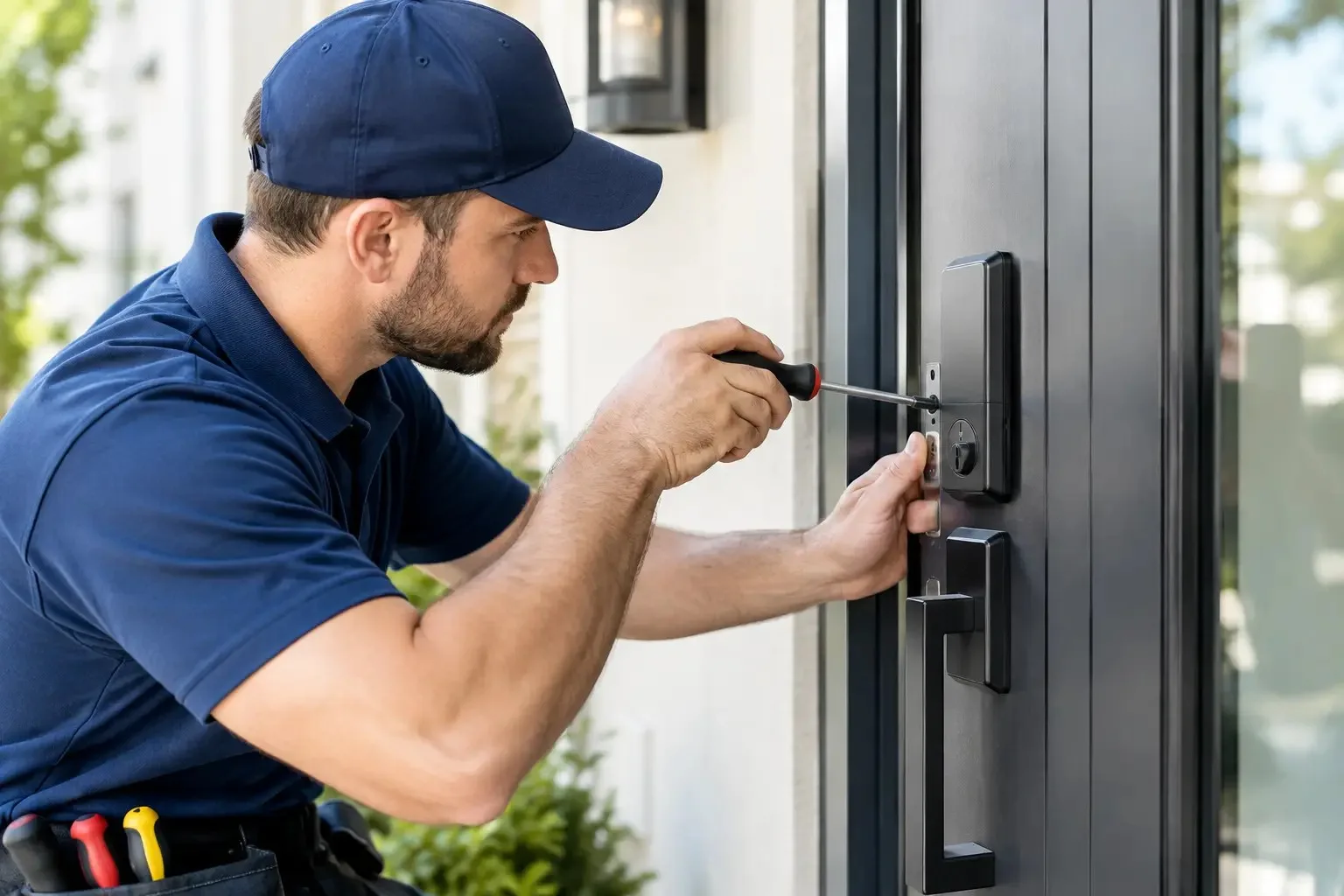
During installation, the technician mounts and wires the reader, locking hardware, controller, power supply, and any monitoring components. They then program users, credentials, schedules, and permissions. If the system includes remote management, the administrator should be shown how to add and remove users, review activity, and respond to alerts.
Testing matters as much as mounting the equipment. Every controlled door should be checked from both sides. The team should confirm that authorized credentials work, unauthorized credentials do not work, the door locks correctly, and people can exit as required. Test what occurs during a power interruption as well. Some doors should remain locked, while others may need to release for life safety. The proper setup depends on the opening and applicable requirements.
Before the technician leaves, make sure at least two authorized people know how to manage the system. Businesses get stuck when one manager holds the only admin login, programming card, or backup key. Keep administrative access protected, but do not make it a single-person dependency.
Avoid the shortcuts that create expensive problems
The lowest quote is not always the lowest cost. A cheap keypad installed on an unsuitable door may need to be replaced sooner than expected. An internet-connected system with no plan for network outages can frustrate staff. A reader installed without attention to door alignment may work intermittently and lead employees to prop the door open.
It is also worth avoiding one shared credential for the whole team. It feels simple at first, but it removes much of the accountability access control is meant to provide. Individual credentials make offboarding cleaner and help identify patterns when there is a security concern.
Do not forget mechanical backup access. Electronics can fail, batteries can drain, and buildings can lose power. Depending on the system and door, a controlled key override or another approved backup method may be necessary. The right backup protects business continuity without creating an easy path around the system.
When a controlled door stops working
A door that will not open can stop a shift before it starts. A door that will not lock can leave inventory, records, and employees exposed. If the issue happens after hours, the priority is to secure the opening and restore safe access without damaging the door or exit hardware.
Common causes include a dead power supply, damaged credential, misaligned latch, worn lock hardware, wiring issue, or a controller setting that was changed accidentally. The cause is not always obvious from the outside. A qualified locksmith can inspect the mechanical and electronic sides of the opening, then explain what needs repair or replacement before work begins.
For Twin Cities businesses, 24/7 Key Clinic provides on-site locksmith support for commercial doors, lock hardware, access issues, and urgent security problems. A clear phone quote before dispatch helps you make a decision without adding more uncertainty to an already disruptive situation.
A good access system should make the workday easier, not turn every door into an IT project. Start with the doors people rely on most, build in safe exit and backup access, and choose controls your staff can manage confidently. That approach protects the building while keeping the people inside moving.